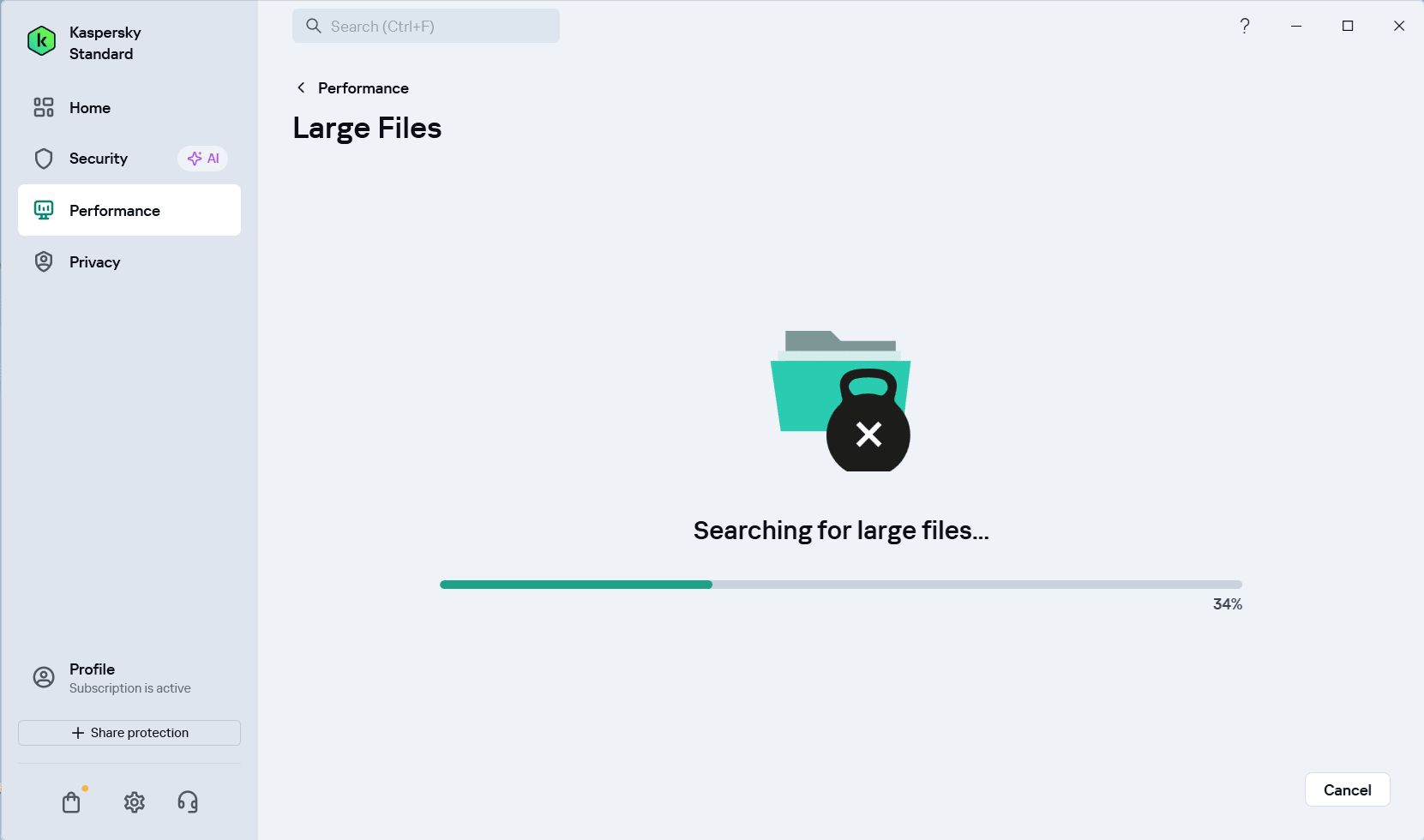
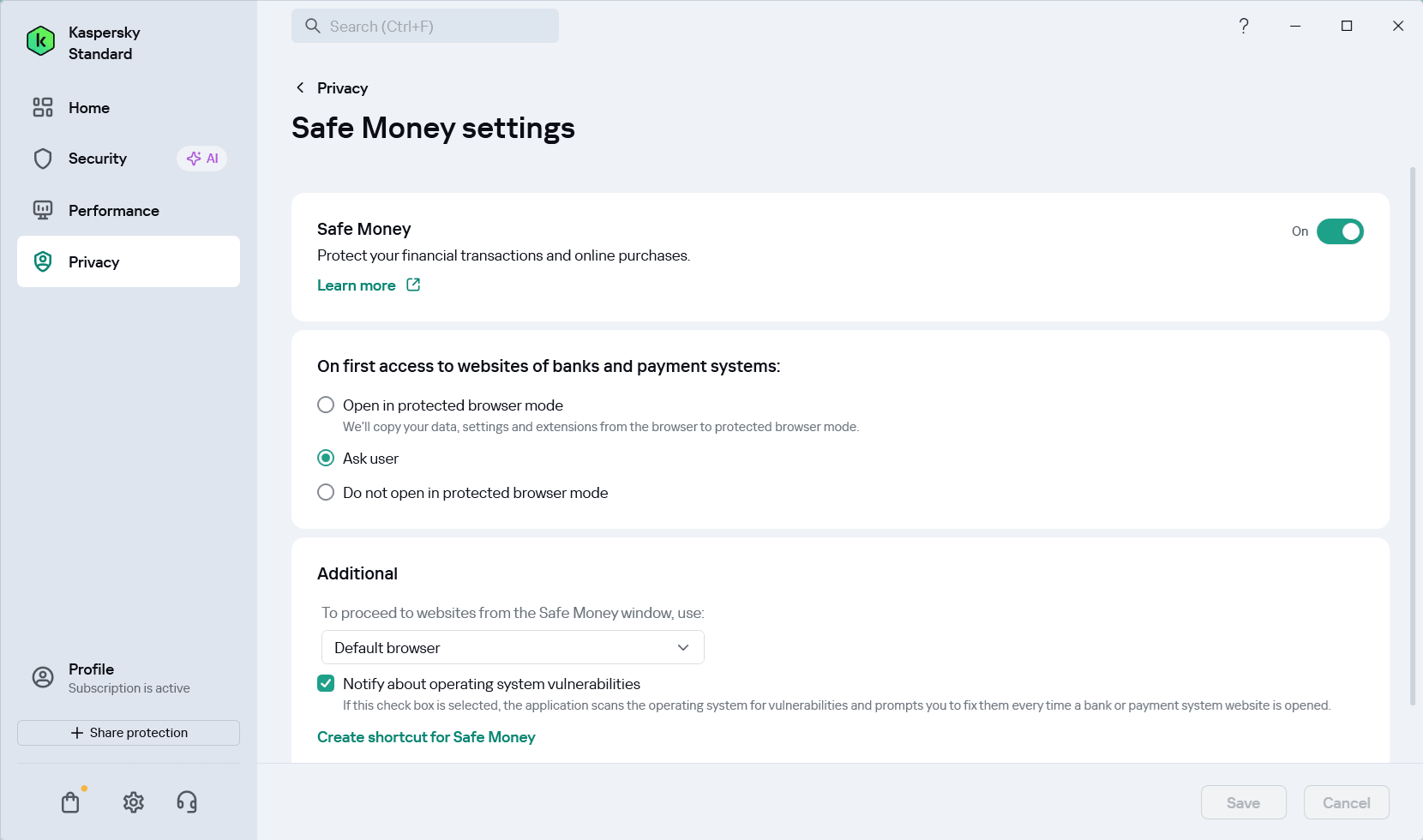
As any good antivirus software should, Kaspersky Standard does a great job of catching dangerous applications or threats before they can infect your PC. While running a plethora of active protection tools alongside the standard file antivirus, the software runs quietly in the background without becoming a resource hog, and is now sold under the updated name Kaspersky Standard, while formerly it was named Kaspersky Anti-Virus. Prospective users should also note that Kaspersky is now banned from sale and operation in the United States.
Accessible security dashboard
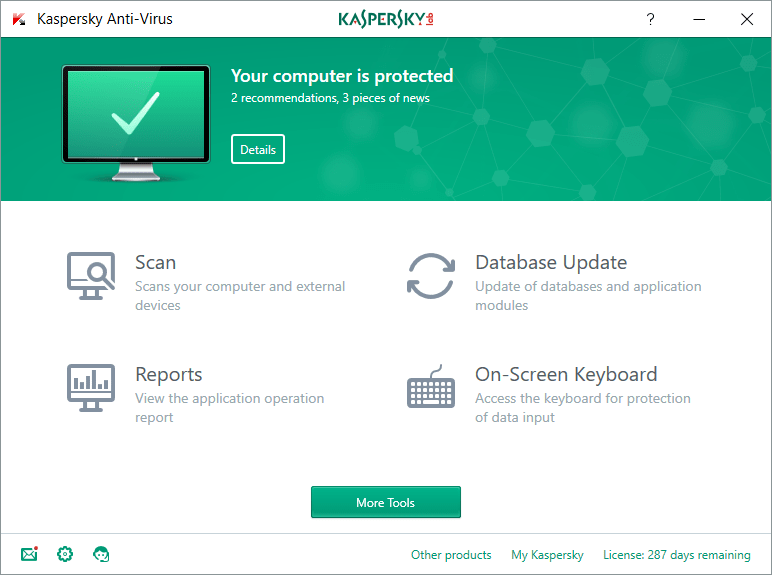
The user interface is simple enough to get to grips with in the first few seconds of using it. On the front page, you have access to four of the tools you'll be using most often: scan, report, database update, and on-screen keyboard.Scan options and performance
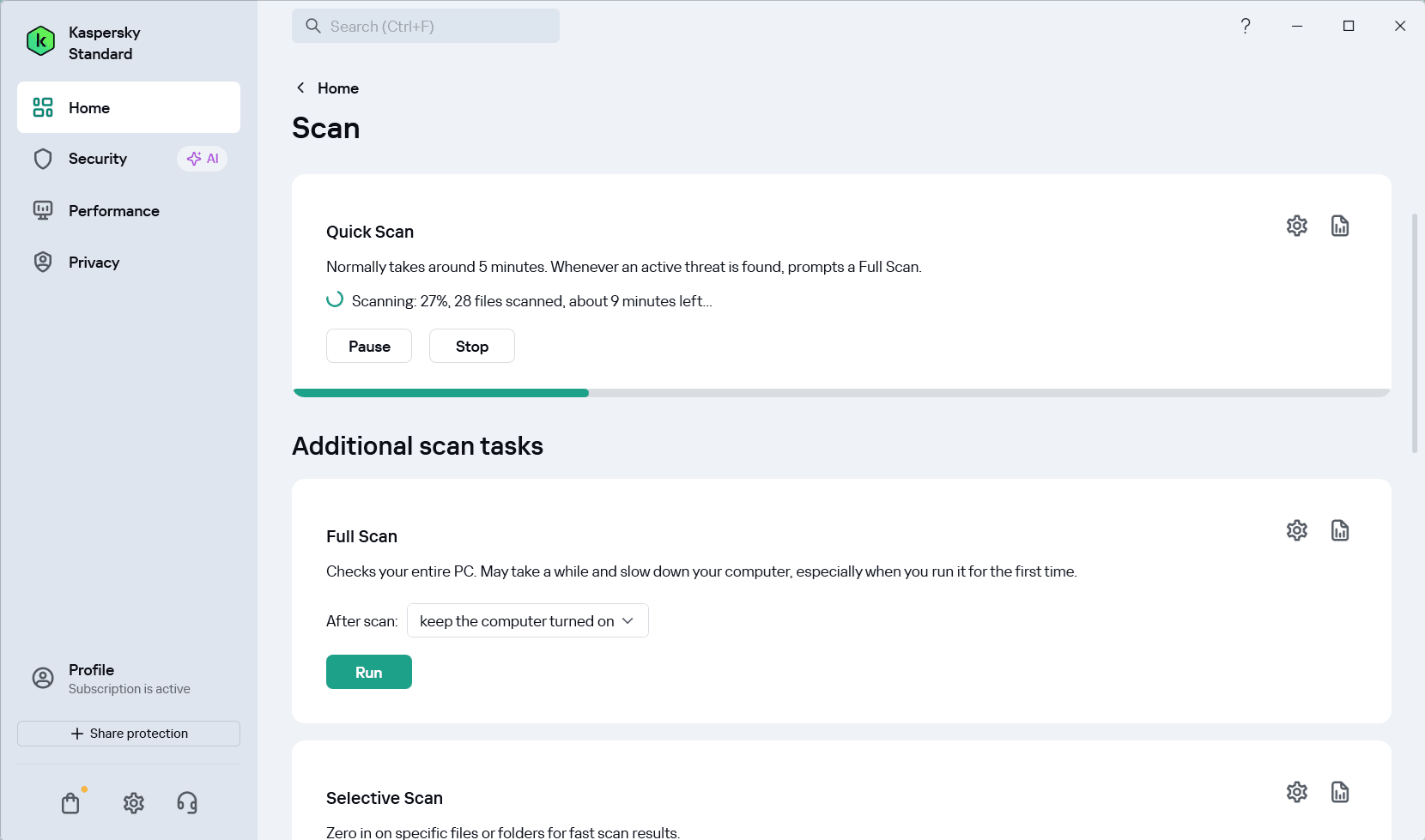
When you click on the scan page, you can choose between a full scan, a quick scan, a selective scan, and an external device scan. You can also schedule scans with the tools on this page. You can use this, as well as the options within the settings menu, to essentially run all of your security tasks on autopilot.
Although a full scan from antivirus software is going to take some time, we found it took longer than competing options, such as Bitdefender.Protecting sensitive data
The on-screen keyboard is very useful for anyone who cares more about security or is worried about a potential keylogger on the system. It allows you to enter passwords and other sensitive information in a closed environment, leaving no potential for keyloggers to track your keystrokes.Hidden features and deep settings
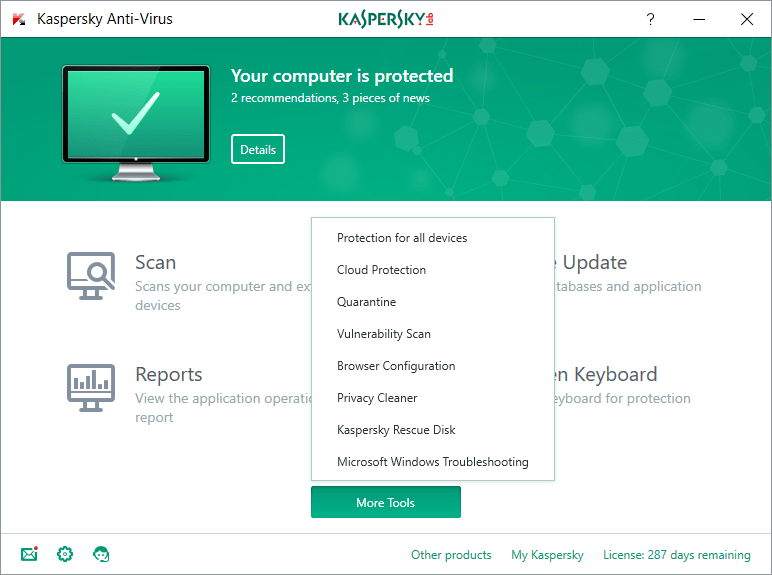
The interface hides many other tools as well. From the Kaspersky Standard homepage, you can click the 'More Tools' button to get access to them. With these tools, you can view any quarantined files, view cloud protection information, check your current software and OS for any vulnerabilities, clean up saved information to protect your privacy, and recover your data and operating system after an infection.
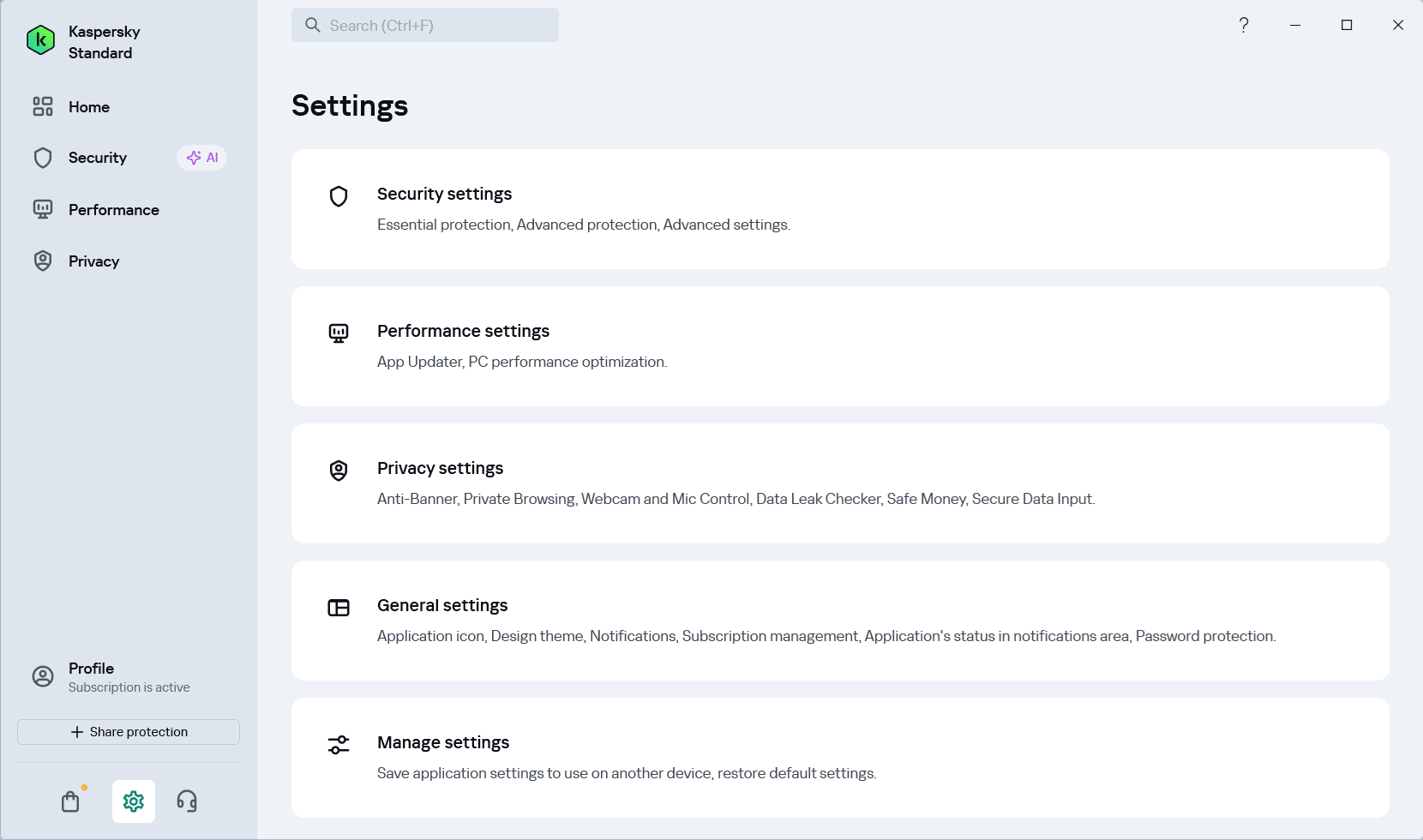
We also have a lot of good things to say about the Settings menu. Practically everything can be controlled and customized from here - settings for automated protection and controls for improving system performance are some examples.Real-time threat handling
Kaspersky Standard comes with instant threat protection, which does an excellent job of quarantining dangerous files on the spot. It's excellent at catching real threats, but sometimes it will mistake safe, lesser-known programs for threats.Reliable protection in a clean package
Kaspersky Standard is an optimized antivirus program that provides the protection tools you need inside a clean user interface. There's very little to complain about, besides the few false alerts you may experience from the threat protection tool every now and again, and the regional restrictions for US users.